ℹ️ Affiliate Disclosure
This page contains affiliate links. As an Amazon Associate, we earn from qualifying purchases at no extra cost to you. We only recommend products we genuinely believe will help you. Prices and availability may change.
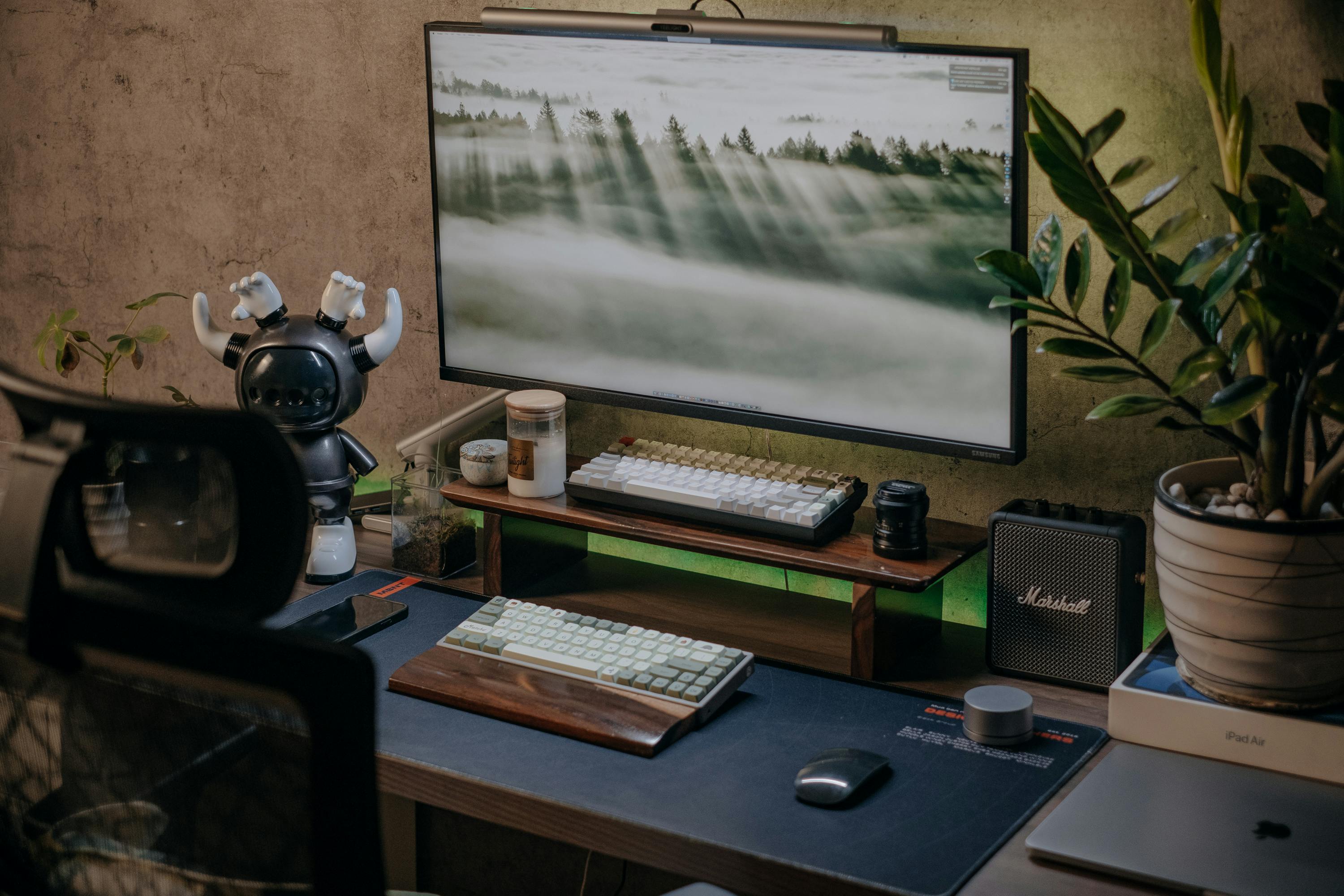
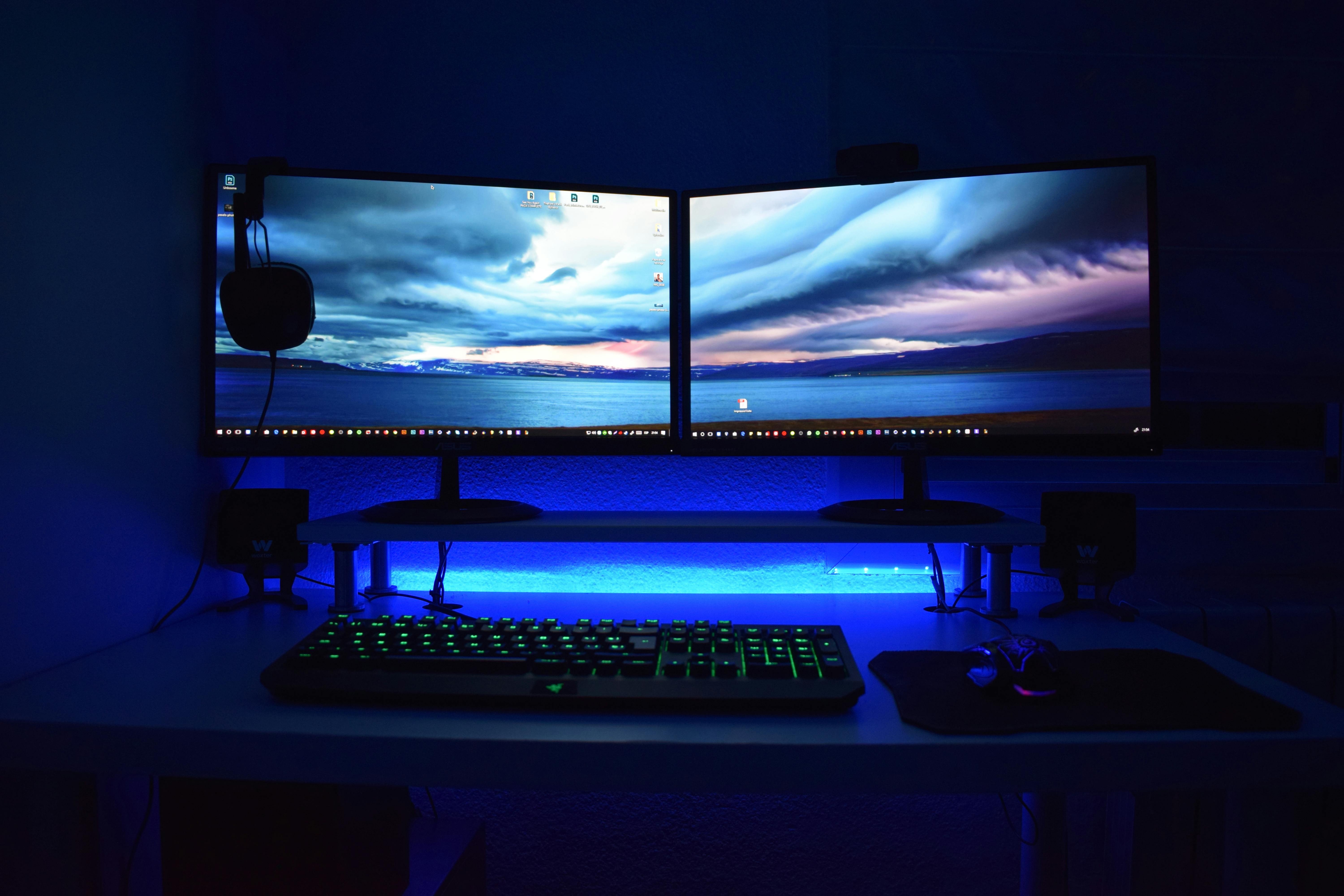
For decades, the “full-size” keyboard was the only option. However, 2026 has shifted toward efficiency, aesthetics, and improved ergonomics. Modern enthusiasts are increasingly ditching the numpad to reclaim desk space for expansive mouse movements and a cleaner setup.
Choosing between a 75%, 65%, or 60% layout is the most critical decision for your desk’s physical health. Larger keyboards force your mouse hand further from your body, causing strain. By shrinking the footprint, you bring your mouse closer to your natural centerline.
1. Keychron K2 HE (75% Special Edition)
The gold standard for the “sweet spot” layout. It preserves the dedicated arrow keys and function row while removing the numpad. This Special Edition features a metal body with rosewood side panels and Hall Effect magnetic switches for variable actuation.

2. Razer BlackWidow V4 Pro 75%
A masterpiece for those who want ultimate customization without the DIY headache. It features a fully hot-swappable PCB, a monochrome OLED screen for custom GIFs, and an incredibly satisfying “thocky” typing feel straight out of the box.

3. Fnatic Streak65
The tournament favorite for competitive gamers who travel. It features ultra-low-profile switches and four dedicated macro keys, providing a massive performance edge in a tiny frame that fits easily into any travel bag.

4. Redragon K673 Pro (65%)
A value disruptor that manages to include premium features—gasket mounting, sound-dampening foam, and a tactile volume knob—at a fraction of the cost of prestige brands. Perfect for those wanting a premium feel on a budget.

5. SteelSeries Apex Pro Mini (60%)
Widely considered the world’s most responsive 60% keyboard. Its OmniPoint 2.0 switches allow you to set individual key actuation as low as 0.1mm, acting like a “cheat code” for FPS gamers who need maximum mouse room.

6. Wooting 60HE V2
The gold standard for analog keyboard technology. Its unique Hall Effect sensors can detect exactly how far down a key is pressed, allowing you to creep slowly or drive vehicles with joystick-like precision in a compact minimalist frame.

Frequently Asked Questions
Are these home office products worth the investment?
Home office products are a long-term investment in your health and productivity. A quality ergonomic chair or standing desk can prevent back pain and increase focus significantly. The products featured in this guide were selected for durability and value — many last 5–10 years with proper use. Buying once and buying well is almost always more cost-effective than replacing cheap alternatives every year.
What’s the most important home office upgrade I should make first?
If you work more than 4 hours a day at a desk, your chair is the highest-priority upgrade. Poor seating causes fatigue and back problems that compound over time. After your chair, a monitor arm and proper desk height are the next biggest ergonomic gains. Keyboard and mouse quality matters most for those who type heavily throughout the day.
Are these products available in the UK with Prime delivery?
Most of the products featured in this guide are available on Amazon UK and eligible for Prime shipping. Prices in GBP will differ from the US listings due to import duties and regional pricing. We recommend checking the current UK listing directly as availability and pricing change frequently. Some products may ship from the US for an additional fee if not stocked in UK fulfilment centres.
How do I know if an ergonomic product will fit my body type?
Look for adjustable ranges in the product specifications — seat height, armrest width, and lumbar position are the critical dimensions. Most quality ergonomic chairs accommodate users between 5’0” and 6’4”, but always verify the weight capacity and seat depth. Many brands publish ergonomic fit guides on their websites. When in doubt, opt for products with a generous return window so you can test them in your actual setup.
Can I claim home office equipment as a tax deduction?
In many countries including the US and UK, home office equipment used exclusively for work may qualify as a tax deduction or expense. In the UK, HMRC allows employees to claim for equipment if required to work from home. In the US, self-employed individuals can deduct home office expenses. Always consult a qualified tax professional as rules vary by employment status and country.
Frequently Asked Questions
Q: Are these home office products worth the investment?
Home office products are a long-term investment in your health and productivity. A quality ergonomic chair or standing desk can prevent back pain and increase focus significantly. The products featured in this guide were selected for durability and value — many last 5–10 years with proper use. Buying once and buying well is almost always more cost-effective than replacing cheap alternatives every year.
Q: What’s the most important home office upgrade I should make first?
If you work more than 4 hours a day at a desk, your chair is the highest-priority upgrade. Poor seating causes fatigue and back problems that compound over time. After your chair, a monitor arm and proper desk height are the next biggest ergonomic gains. Keyboard and mouse quality matters most for those who type heavily throughout the day.